They say, “I want to make an app someday.”
Great. First Build gives them a first move instead of another saved video.
For teens ready to build with AI and practical parents
First Build helps your teen turn screen time into something they made themselves. Across five focused videos, they’ll build a real game, make it feel like their own, watch someone play it, and improve it from honest feedback. Everything can stay private, and your family can revisit the course anytime. It’s $27 and includes a printable project workbook. Five focused videos. One finished project they’ll be proud to show you.
No coding experience needed. Parent guide included.
14-day full refund, no questions asked. Refund terms
5 videos · One finished project · One household login
Before you enroll
This course cannot be completed on a phone or iPad alone. Your teen needs a real computer with a keyboard: a Mac, Windows PC, or Linux laptop/desktop. A Chromebook may work for browser-based tools, but it is not a guaranteed fit for the local Codex workflow—please check with us before buying.
ChatGPT can open in a Chromebook browser. The Codex desktop app is currently for macOS and Windows, and Codex web/mobile cannot directly work with local files. Reliable internet is also required.
Could this be for your teen?
They need a laptop, a little curiosity, and enough room to make Hometown Hop feel like theirs.
Great. First Build gives them a first move instead of another saved video.
Perfect. Those choices become the flyer, world, mood, and visual style inside their Hometown Hop.
Five focused videos and one clear project make it easy to begin without making school feel heavier. The final video celebrates the finish and shows them where they can go next.
This isn’t a course that hands them a finished app. They make the choices, do the work, and leave with something that’s theirs.
For parents
You get the project plan, safety boundaries, and a simple way to see progress. Your teen gets room to create without you becoming the technical teacher, then finishes with evidence of initiative, problem-solving, and follow-through.
That’s the kind of proof that belongs in a portfolio, on a resume, and in a conversation about internships, first jobs, or the next opportunity.
See how First Build worksTeaching background
Before Homegrown Builders, Bud taught adults and teams how to use AI without getting buried in jargon. That same practical teaching is built into every Homegrown Builders lesson.
“Knowledgeable without talking over your head.”
Jamie Weaver · Workshop Host & Organizer
“It lit a fire to experiment, play, and learn.”
Lisa Kanda · Workshop Student
“Exceptional educator.”
Christina Blanarovich · Business Owner & Homeschool Podcaster
Inside First Build
The first four videos take your teen from finding the course and setting up the project home to a polished, phone-shaped Hometown Hop, a real-person test, and one evidence-based improvement. Video 5 celebrates the finish and invites them to keep building.
Tour the site, find your course, and know where to return if you get lost.
Set up the approved workspace, learn the builder habits, and prepare the project home.
Choose the look and setting of your game, then build and play your first version.
Polish the game, let someone try it, and use their feedback to make it better. Sharing online is optional.
Celebrate the finish and keep the build loop going.
Proof before promises
A useful first project creates something better than vague “progress.” It gives a teen a working version, a chance to test it, and a piece of work they can explain with pride.
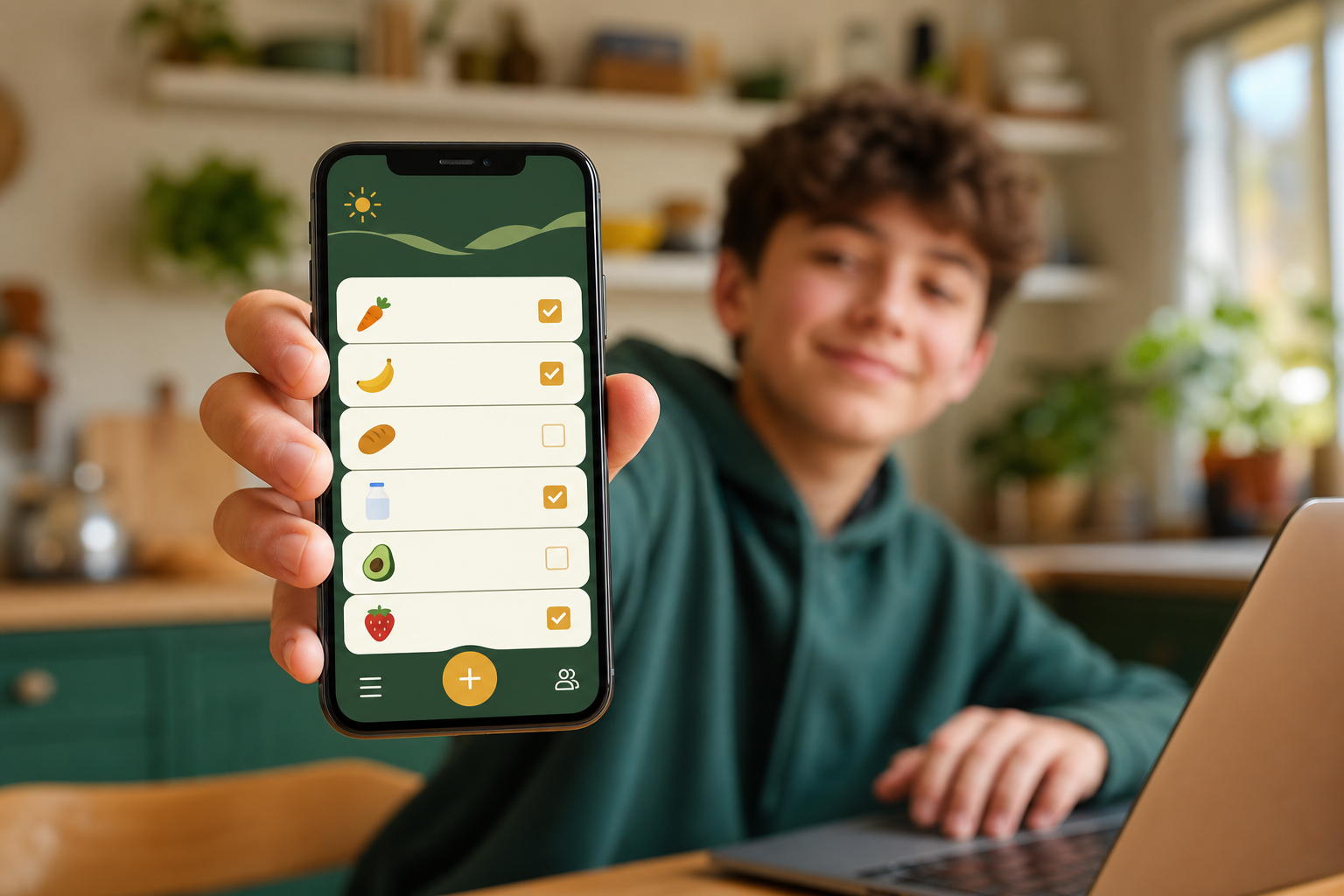
A link or working version, a quick test note, and a screenshot saved for their portfolio or next opportunity.
“I thought websites were for computer scientists or secret computer coders. Mine looks incredible. I did not know it was this easy.”
Homegrown Builders household
“I could see what my teen was making without having to become the teacher.”
Sarah
A small win you can keep
Before the first lesson, the free Builder Brief turns an idea into a clear one-page record: the problem, who it helps, the smallest useful version, and one real person to test it with.
It arrives in the parent’s inbox and gives the whole household a clear place to begin.
Explore the free Builder BriefYOUR IDEA IS READY
A useful starting point for a teen who wants to keep the family garden cared for.
First Build · only $27
A parent-guided project experience that gives your teen a real place to start with AI, then something worth showing for it.
14-day full refund, no questions asked. Refund terms
For businesses and teams
The same plain, practical teaching behind Homegrown Builders, for companies, staffing firms, small businesses, and associations. It starts with a free one-hour session for your team, and it can grow into a certification program or hands-on consulting.
AI multiplies what good people can do. It doesn't replace them.
See AI training for teams